
1. Log in
Login to start a new request.
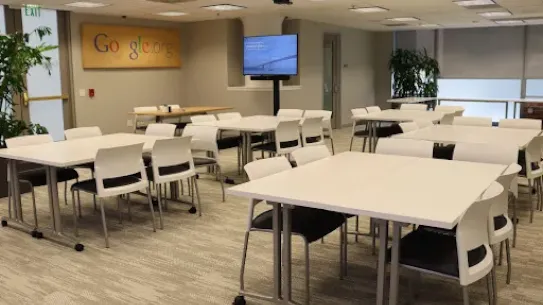
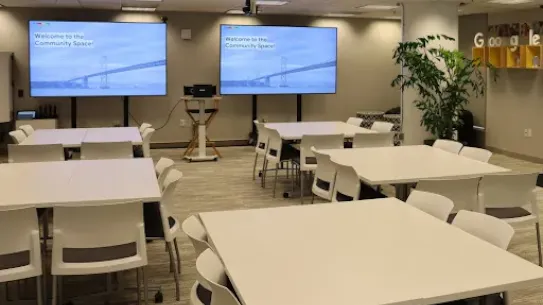
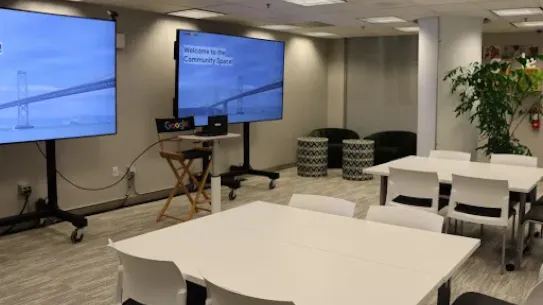
Google’s Community Space strengthens the nonprofit organizations that strengthen our cities. By offering local Bay Area nonprofits access to premium event spaces in San Francisco at no cost, we provide a vital hub for civic connection and collaboration. We empower these organizations to focus their resources on what matters most: building capacity, driving progress, and expanding opportunity for everyone.
The booking process
To request a booking, your organization must go through a vetting process and be accepted as a member. Membership and space use are free of cost. Your organization must provide a valid certificate of insurance and a guest list for each event.
Who is eligible?
Organizations must be registered 501(c)(3)s in good standing that is furthering the mission of Google.org, or be a local city and county government department, and located in the Bay Area (Alameda, Contra Costa, Marin, Napa, San Francisco, San Mateo, Santa Clara, Solano, and Sonoma counties).
Please note that we receive a high volume of applications and cannot guarantee acceptance for every eligible organization.
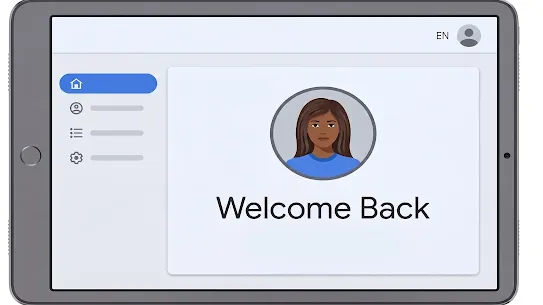
1. Log in
Login to start a new request.

2. Request Event
Dates and times are available up to 90 days in advance. Select your event date and provide the details. We will review your request and send an email with a status update.
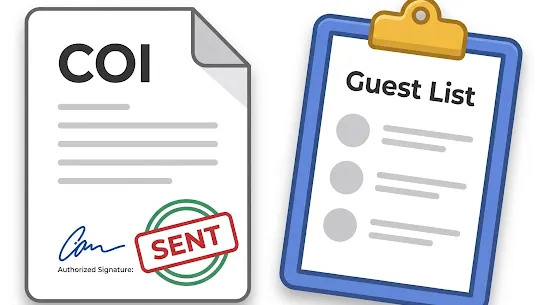
3. Complete details
(for Approved Events)
Upload a Certificate of Insurance for review (COI, requires approval)
Upload your guest list (due 3 business days before your event date)
4. Yay! It’s your event day!
Access to the space will be granted at the start time of your reservation.
Review our eligibility requirements and submit an application to begin.
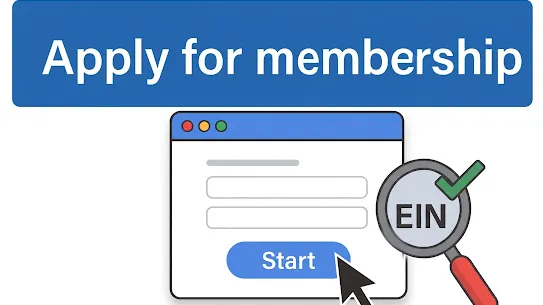
1. Apply online
Eligible organizations may submit their application by selecting “Apply for Membership” and completing the form.
2. Review
If your organization lacks a Benevity profile, we’ll start the setup, and Benevity willl contact you with next steps.

3. Status update
If your membership is approved you will be notified via email, granted portal access, and a virtual meeting will be arranged.

4. Member portal
Once approved, you can access the member portal. Before Booking an event: Please review the ‘guides’ tab and read the Space Guidelines, address details, templates, and more.

Lava Mae takes radical hospitality to the street by bringing services to those experiencing homelessness. Google’s Community Space has enabled us to host events for our supporters in a welcoming environment.
DONIECE SANDOVAL
Lava Mae

Google’s Community Space is an absolute game changer. The positive energy, equipment and technology help maximize productivity. Our students leave feeling inspired and more confident about their creative careers.
SHAUN TAI
Oakland Digital

Spark engages the next generation to advance gender equality...this was an ideal location and environment to gather young people and hear from our leadership.
AMANDA BROCK
Oakland